Quote:
Originally Posted by Darqwood

It's a little bit more trouble to run twin installations, but doing so will prevent issues like this once you have it set up.
DarqUI settings are saved in either the \POI\ folder for Live servers or the \POI_Origins\ folder for Anashti Sul. When you use the Reset files button the utility is editing all of the custom UI components to point to the correct location for loading and saving your settings. That's why it has to be done before you start the game. If your DarqUI settings don't appear when you log in, it almost certainly means they are in the other POI folder and can't be "seen" in the current session.
With two separate game folders you don't have to reset anything when you play. After you have initially selected the Live server type in the utility for your main installation, settings for your 60+ characters should appear correctly from that point forward. Setting Origins as the server type for the second installation will permanently associate those game files with your Anashti Sul characters.
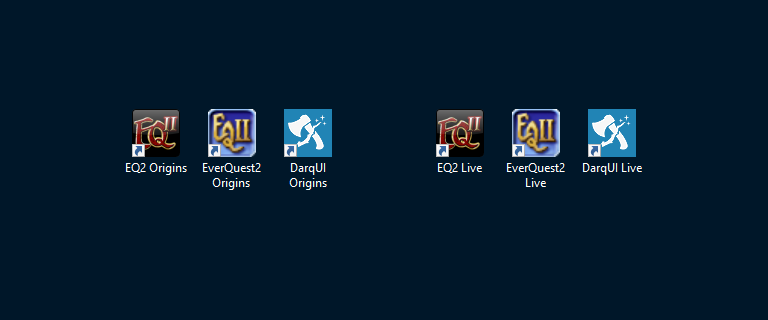
The easiest way to create a second installation is to copy/paste your current game folder. Take a look at this link for some more information. As an example, my desktop shortcuts look like this:
 |
I really appreciate your answers. I will use the link and read those instructions. Meanwhile, I have been busy setting up all the icon bars which have disappeared, apparently for good. As a side question, is there any rhyme or reason to how the icons to choose from for the icon bar are arranged? thanks again for all your time with this issue!